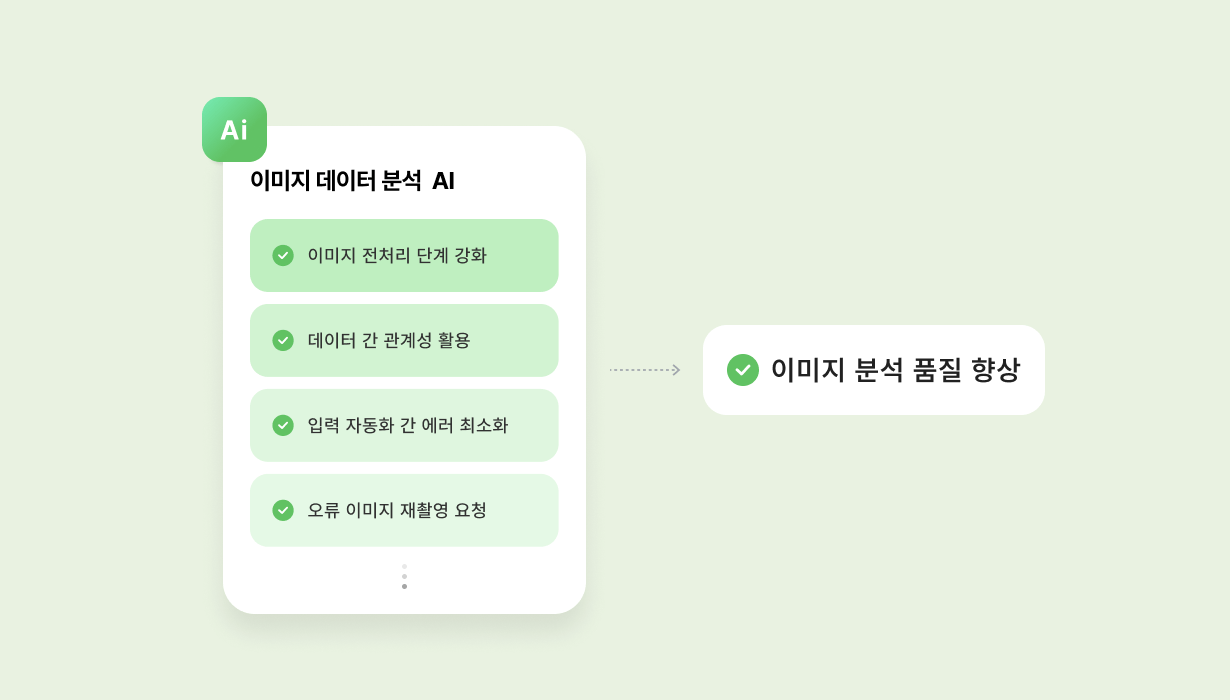
AI Image Analysis and Information Extraction, Data Entry Automation
A project that automates the repetitive task of recognizing photo (image) format input data, extracting specific text and corresponding numerical values, and converting them into database entries.
Background
- Previously, at least 1.5 Man/Month was required for dedicated personnel to organize characters and numbers from similarly formatted tables into Excel files
- While table formats and sizes were similar, i) they weren't perfectly identical, and ii) key value order was inconsistent, requiring significant concentration when performed manually
- Since the task involved recognizing image-format materials and entering them into Excel, human errors were inevitable, and considering additional resources needed to find/correct such errors, End-to-End task required 2+ Man/Month
- To reduce 2+ Man/Month resources and lower error probability, "AI-based image analysis and entry automation" was essential
Project Description
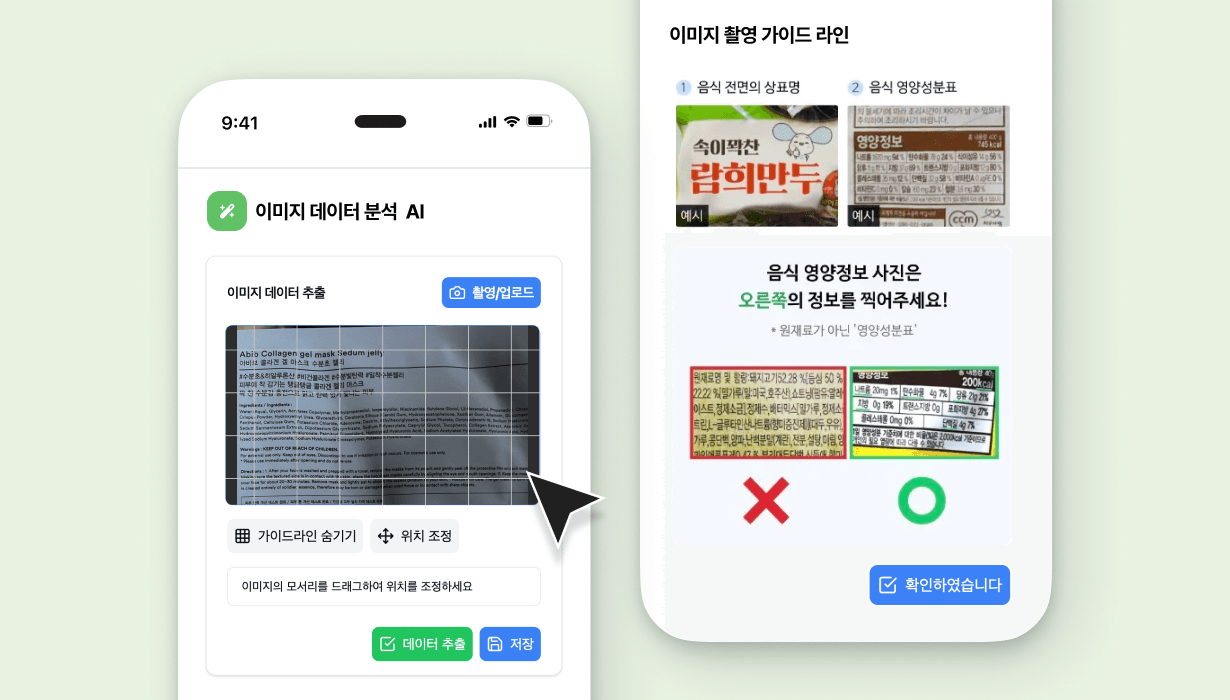
- Users submit photos of table-format images containing text (Key values) and numbers (Value values), which are analyzed using AI solutions
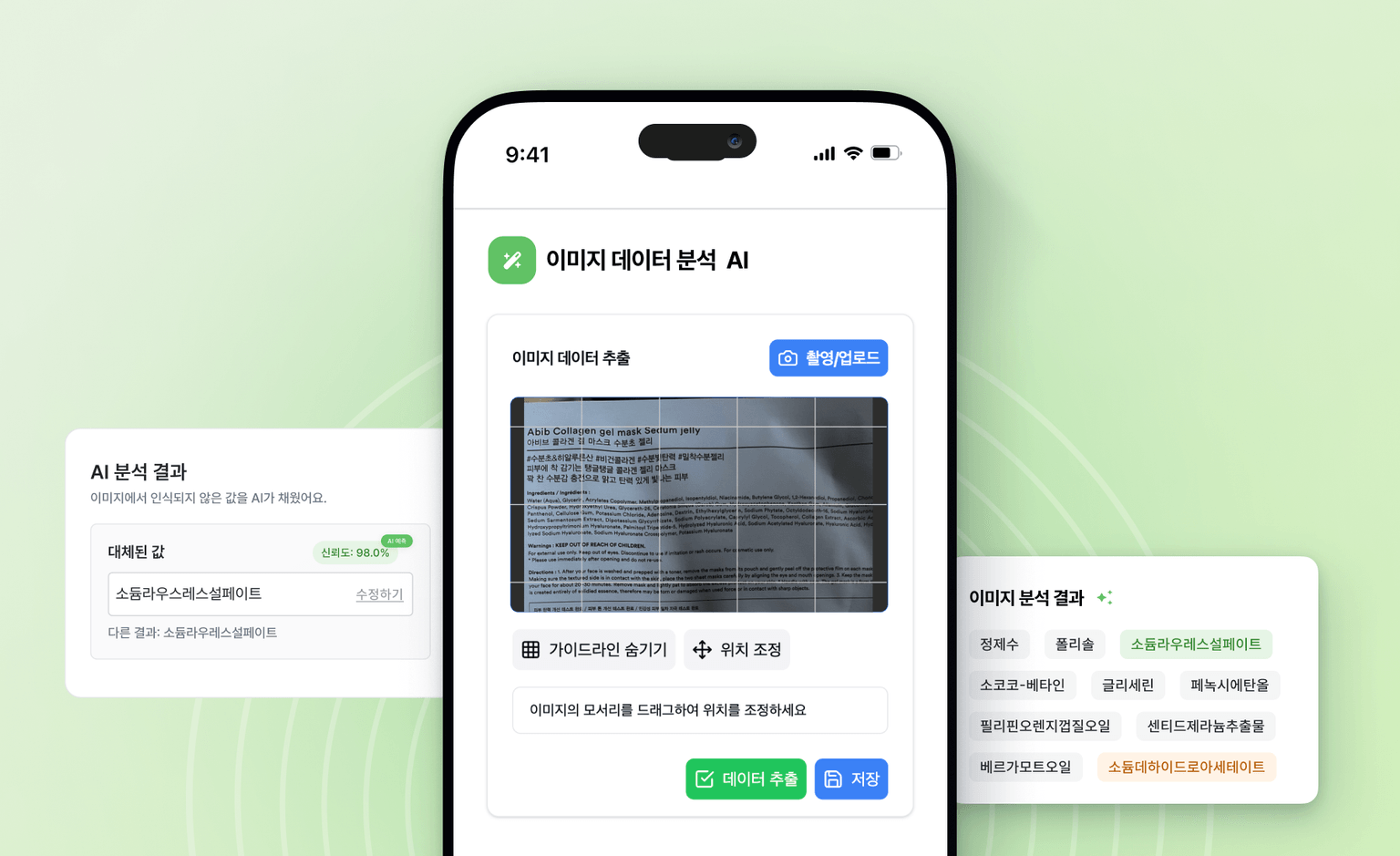
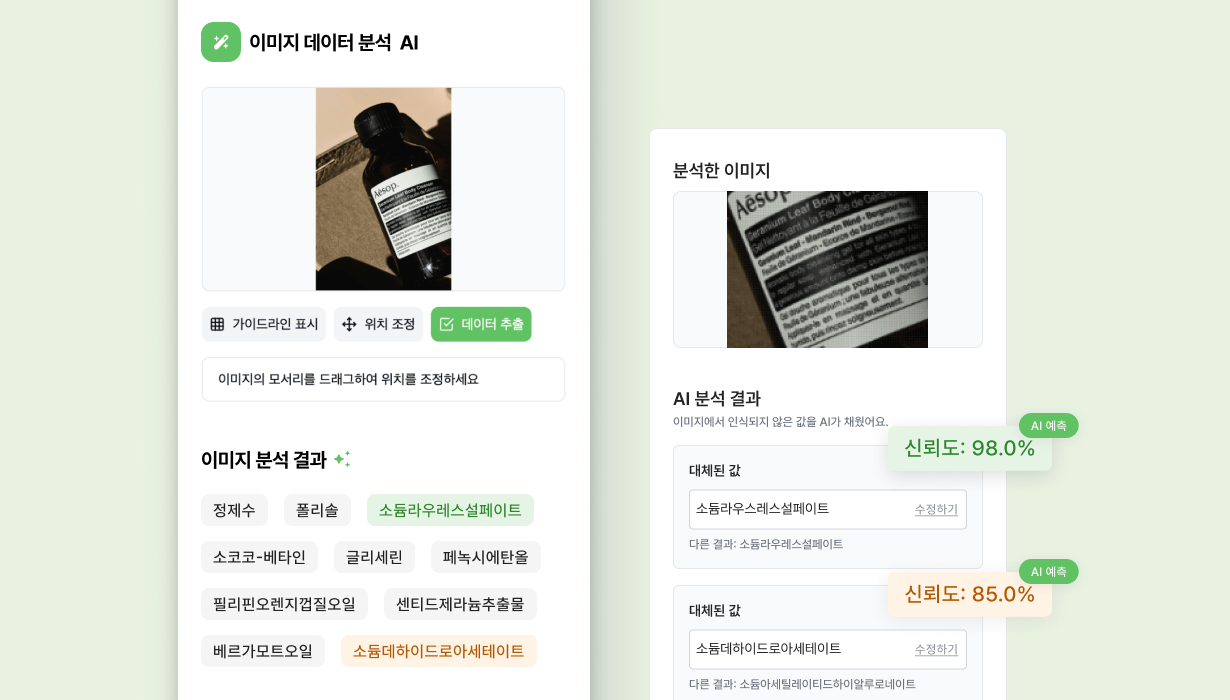
- Recognizes text to find matching Key values and automatically enters corresponding Value values, saving them to the database automatically
- Even if text (Key values)-numbers (Value values) in user-submitted photos are in inconsistent order, Values are automatically sorted to match Keys
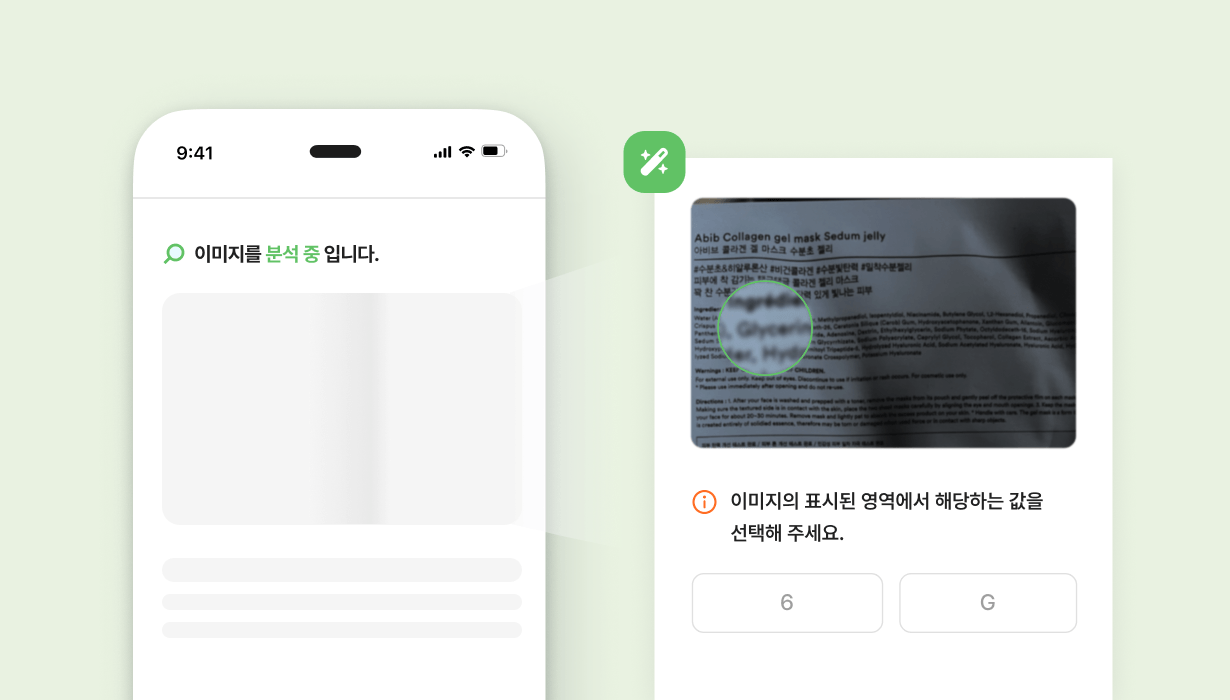
- Since images are input via photography, "image analysis tuning work" for distinguishing "3" from "8" or "number 9" from "letter g" was crucial
Key Achievements
- Eliminated the need for 2+ Man/Month human resource investment previously required for manual data entry
- Reduced error probability from mistakes or typos from ~1-2% to 0.1-0.2%, a 1/10 reduction, also improving efficiency of subsequent data-utilizing work
- When humans manually entered data, entering and reviewing 40-50 data points took about 4-5 hours; with AI, data entry time decreased dramatically to under 10 minutes
- Using images (photography) also simplified the data entry process
Development Process
- Step 1: Service Requirements Definition
- Confirmed basic format of images to be input
- Classified various image examples/formats and performed initial data cleaning
- Step 2: User Scenario Confirmation
- Confirmed user image input scenarios
- Established flow for photo capture, image confirmation, input value verification
- Organized methods to request accurate image capture from users
- Step 3: User Interface and App UX Design
- Developed User Interface for easy image input and data verification
- Designed overall App UX including additional features
- Developed Interface to provide detailed image capture/input guidance to users
- Step 4: Architecture Design, AI Solution Integration
- Designed backend system and database configuration
- Developed image recognition features using Gemini
- Performed Fine-Tuning
- Step 5: Full Feature Development and Commercialization
- Front-End development (Flutter, etc.)
- Back-End development (Node.js, etc.)
- Collected user feedback through commercialization
- Step 6: Continuous AI Tuning
- Gemini-related tuning to improve image recognition rates
- Updates based on user feedback analysis
- Step 7: Internal Review and Comparison Tuning
- Fine-Tuning through comparison of internal review results and actual recognition results
- Strengthened user communication for better image quality
Our Strengths
- Development company with 10+ years of experience
- Data/algorithm experts (Seoul National University ECE Bachelor's/Master's graduates)
- Wishket Top 0.1% PRIME Partner certified
- Experience with multiple AI solutions and AI-based image editor development